You've got a video idea, maybe even footage on your phone, but the moment you open an editing tool, everything grinds to a halt. Timelines, exports, keyframes, it's a lot. Finding the best video editing software for beginners shouldn't require a film degree, and in 2026, it genuinely doesn't have to.
At SocialRevver, we run a full content production pipeline for founders and creators, and our editing team works across nearly every major platform out there. That hands-on experience gives us a clear picture of which tools actually help beginners ship real content, and which ones just look good in a demo. We built this list from that perspective: practical, tested, no fluff.
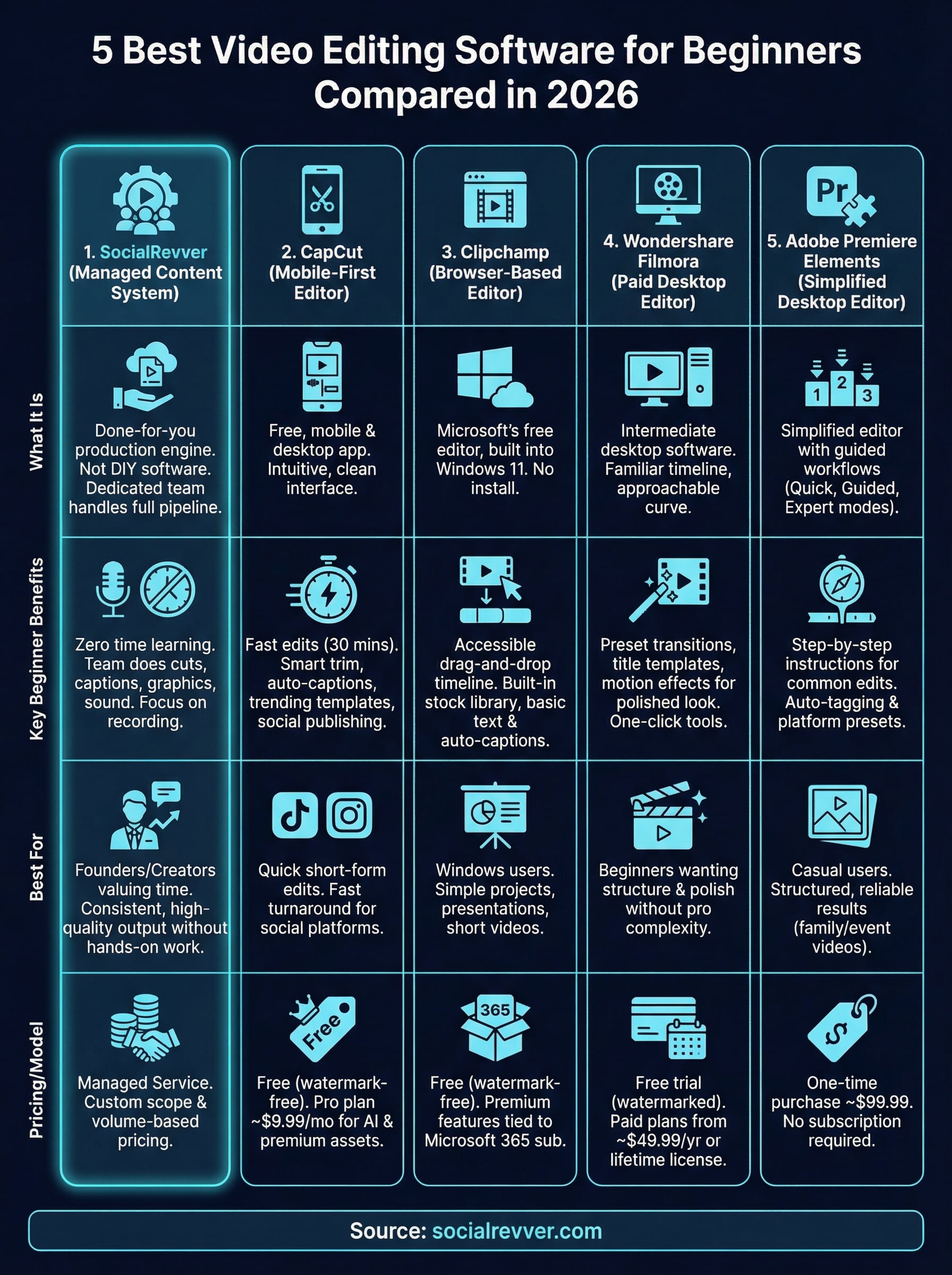
Below, we're comparing five beginner-friendly video editors side by side, covering pricing, ease of use, and key features, so you can pick the right one and start editing with confidence.
1. SocialRevver
SocialRevver isn't editing software, it's a fully managed content system built for founders and creators who want to publish consistently without ever touching a timeline. Instead of handing you a tool to figure out, it handles the entire production process on your behalf.
What it is and how it replaces DIY editing
Think of it as a done-for-you production engine. You bring the raw footage or talking-head content, and a dedicated editing team takes it through the full pipeline: cuts, captions, motion graphics, sound design, and branded visuals. For busy professionals, this means zero time spent learning software.
What you still need to provide as a beginner
Your job is to show up on camera or supply the raw content. The team handles the rest, but your voice, expertise, and perspective are what fuel everything. You don't need any editing skills, but you do need to be willing to record consistently.
The system works best when you stay focused on your area of expertise and let the production side operate on its own.
What you get in the editing and publishing pipeline
Every video goes through cut optimization, pacing adjustments, sound design, captions, and formatted exports for each platform. The team also applies data from over 750,000 analyzed videos to structure your content for maximum retention and engagement.
When it makes more sense than learning software
If your time is worth more than the hours you'd spend mastering the best video editing software for beginners, SocialRevver removes that cost entirely. It makes the most sense when consistent, high-quality output matters more than hands-on creative control.
Pricing and engagement model
SocialRevver runs on a managed service model with pricing built around your content volume and goals. Visit socialrevver.com to book a discovery call and get a custom scope matched to your specific needs.
2. CapCut
CapCut is a free, mobile-first editor from ByteDance that ranks among the most downloaded video apps worldwide. Beginners pick it because the interface is clean, the tools are intuitive, and you can publish directly to social platforms without leaving the app.
What it is and why beginners pick it
Built for mobile and desktop, CapCut removes most of the friction that stops new editors from finishing their first video. You can import footage and have a complete short-form edit ready in a single session.
Fast edits you can do in 30 minutes
The auto-cut and smart trim tools let you clean up raw footage in minutes. Trim clips, add transitions, and adjust audio without touching any advanced settings.
Templates, captions, and social-first features
CapCut's auto-caption feature is one of the strongest beginner tools available at this price point. Trending templates give you ready-made structure so you can match popular formats without designing anything from scratch.
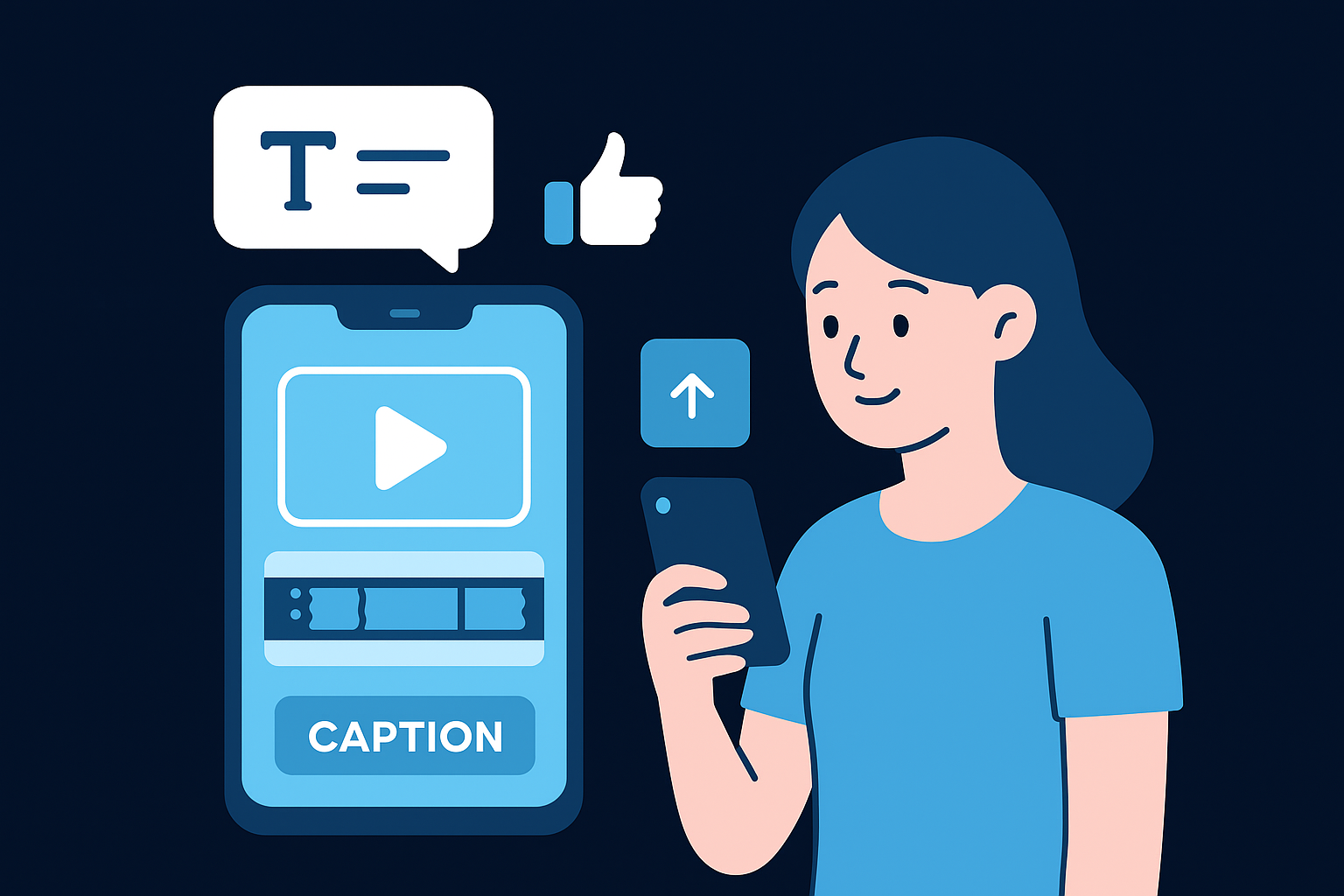
Templates and auto-captions together can cut your editing time significantly when you are just starting out.
Common beginner pitfalls and how to avoid them
Over-relying on templates makes your content look generic quickly. Use them as a structural starting point, then customize the pacing and on-screen text to reflect your own voice.
Pricing and plan options
The free plan covers most beginner needs, including watermark-free exports. Pro runs around $9.99 per month and adds premium templates, AI tools, and expanded cloud storage.
3. Clipchamp
Clipchamp is Microsoft's free, browser-based video editor built directly into Windows 11. For anyone already on a Windows machine, it's one of the most accessible starting points when exploring the best video editing software for beginners.
What it is and where it fits on Windows
You open it through the Microsoft app or your browser with no installation required. It works well for short-form and simple project edits, and it connects directly with OneDrive and Microsoft 365.
Easiest workflows for first-time editors
The interface uses a drag-and-drop timeline layout that gets you from import to export in a few clicks. You trim clips, reorder footage, and layer audio without any technical configuration.
Clipchamp's stripped-down layout makes finishing a first edit feel achievable in a single sitting.
Built-in assets, text, and captions for simple videos
Clipchamp includes a built-in stock library covering video clips, music, and sound effects you can drop straight into your project. Basic text overlays and auto-caption tools add on-screen context without needing a third-party app.
Limitations that matter as you improve
Advanced color grading, multi-track audio mixing, and precise keyframe control are not available here. Once your projects get more complex, you will quickly feel limited by what the platform can handle.
Pricing and plan options
The free plan covers most beginner use cases with watermark-free exports included. Microsoft ties premium features to a Microsoft 365 subscription rather than offering a standalone paid tier.
4. Wondershare Filmora
Wondershare Filmora is a paid desktop editor that sits between basic free tools and professional-grade software. It's built to be one of the more approachable options among the best video editing software for beginners who want polished output without a steep learning curve.
What it is and the learning curve
Filmora runs on Windows and Mac and uses a familiar timeline layout that feels intuitive from your first session. Most core functions click within a few hours, making it a solid step up from browser-based or mobile editors.
Best beginner features for clean, modern videos
The preset transitions, title templates, and motion effects are designed so you can apply them without any manual configuration. You pick a style, drop it in, and your video immediately looks more structured and professional.
Filmora's template library does most of the heavy lifting when you need your first few videos to look polished fast.
Audio, color, and effects without complexity
Filmora includes one-click color correction and a built-in audio equalizer that skip the need for manual parameter adjustments. You get clean results without studying advanced workflows.
Tradeoffs vs more advanced editors
Fine-grained keyframe control and multicam editing are limited here. Once your projects grow in complexity, you will hit the ceiling of what Filmora can handle.
Pricing and plan options
Filmora offers a free trial with watermarked exports. Paid plans start at $49.99 per year, with a one-time perpetual license available at a higher price point.
5. Adobe Premiere Elements
Adobe Premiere Elements is a simplified desktop editor designed for casual users and beginners who want reliable results without the complexity of professional software. It sits in a unique position among the best video editing software for beginners by offering guided, step-by-step workflows that walk you through each task.
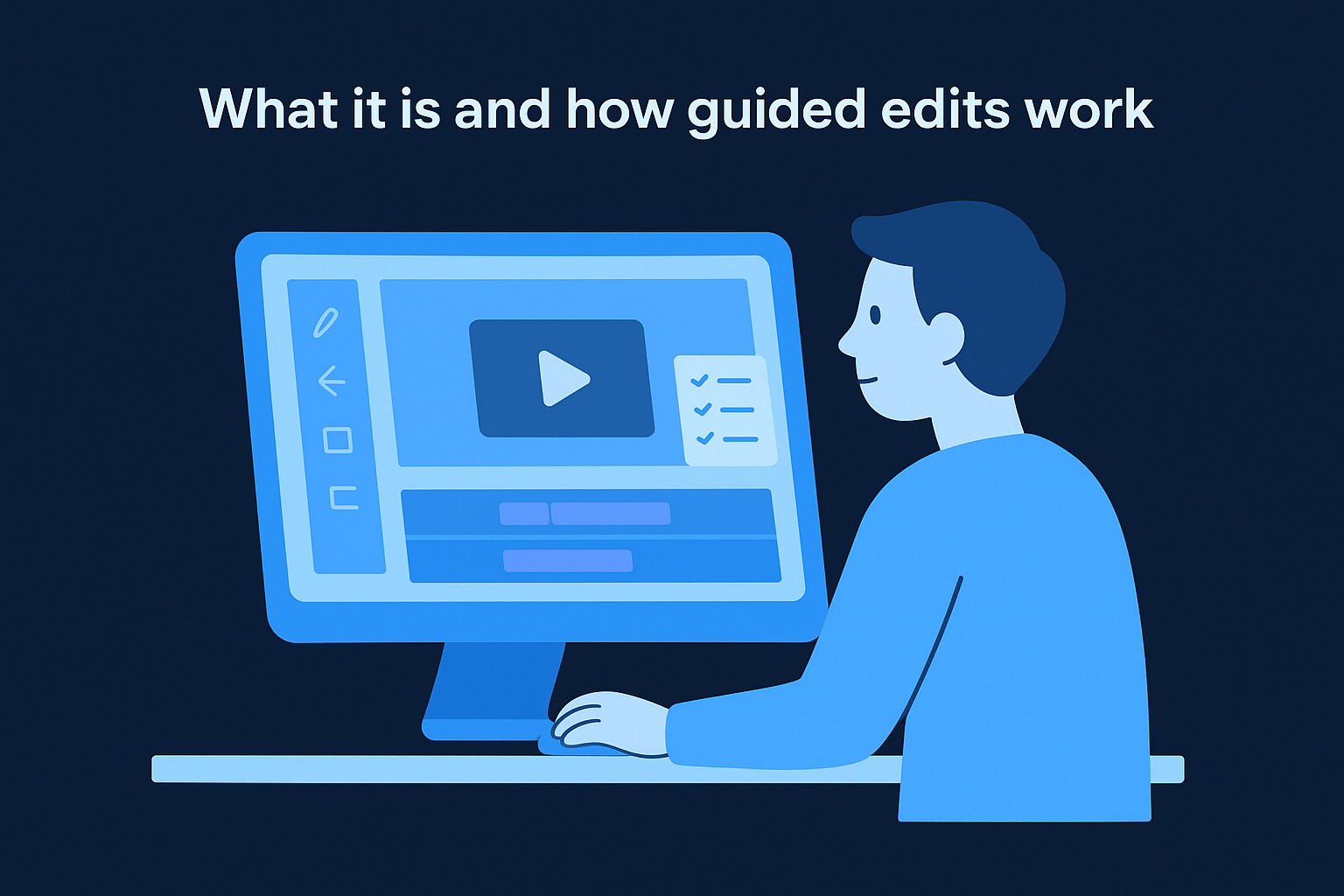
What it is and how guided edits work
Premiere Elements uses a three-mode interface: Quick, Guided, and Expert. The Guided mode gives you step-by-step instructions for common edits, so you always know exactly what to click next.
Best use cases for beginners who want structure
This editor works best when you need consistent, structured output without much experimentation. It's a strong choice for family videos, event recaps, or short promotional clips where a reliable process matters more than creative flexibility.
Guided mode removes the guesswork that typically stalls beginners during their first few projects.
Organizing footage and creating polished exports
The auto-tagging system organizes your footage by face, location, and event automatically. Exporting is straightforward, with platform-specific presets that handle resolution and format decisions for you.
What you lose compared to Premiere Pro
Multi-camera editing and motion graphics templates from Premiere Pro are absent here. You also lose advanced color grading tools, which limits your output quality as your projects grow more demanding.
Pricing and plan options
Premiere Elements sells as a one-time purchase around $99.99 with no subscription required. Adobe occasionally offers bundled discounts when paired with Photoshop Elements.
Your Next Step
Each tool on this list solves a different problem. CapCut and Clipchamp give you free, fast access to basic editing. Filmora and Premiere Elements add more structure and polish once you're ready to invest. But if your goal is consistent, high-quality output without spending hours learning the best video editing software for beginners, a managed system removes that bottleneck entirely.
Your time has a real cost. Every hour spent wrestling with timelines is an hour you're not spending on your business or your audience. SocialRevver handles the full production pipeline, from scripting to final export, using data from over 750,000 analyzed videos to build content that actually performs. If you're ready to stop producing manually and start building a content system that runs without you, apply to work with our team and get a free 40+ slide social media strategy.