TikTok gave creators a serious upgrade when it rolled out the TikTok Studio app, a dedicated platform built specifically for managing, editing, and analyzing content outside the main TikTok interface. Whether you're publishing from your phone or your desktop, it consolidates the tools that actually matter for growth into one centralized workspace.
If you've been juggling multiple apps to handle scheduling, analytics, and editing, this is TikTok's answer to that problem. The app gives you direct access to performance data, content management features, and creation tools that the standard TikTok app either buries or doesn't offer at all. For creators and business owners serious about turning short-form content into a repeatable growth channel, understanding what's available here is a practical first step.
At SocialRevver, we build and manage content systems engineered around platform-specific tools like TikTok Studio. Knowing how these tools work, and where they fall short, is part of how we help clients move from guesswork to data-driven content production. This guide breaks down exactly what the TikTok Studio app is, what it can do, and how creators are using it to sharpen their strategy.
What TikTok Studio is and what it includes
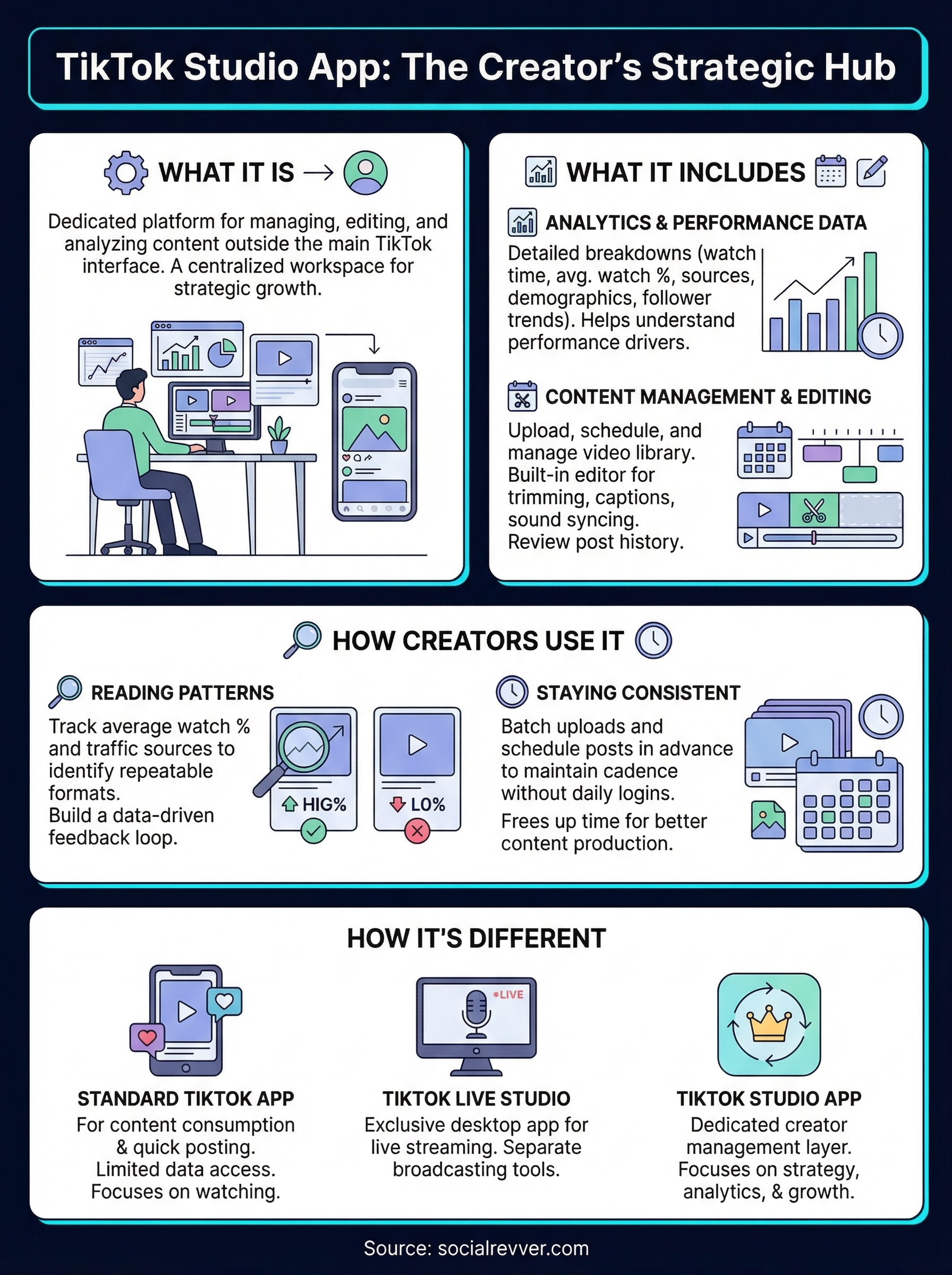
TikTok Studio is TikTok's dedicated creator hub, available as both a mobile app and a browser-based desktop platform at studio.tiktok.com. Unlike the standard TikTok app, it's built specifically for managing content, tracking performance, and editing videos without the constant pull of a scrollable feed. When you open the TikTok Studio app, you get a clean, creator-focused workspace that centralizes every tool you need to run your account strategically.
Analytics and performance data
The analytics dashboard is where most serious creators spend their time. You get detailed breakdowns of each video's performance, including watch time, average watch percentage, traffic sources, follower activity, and audience demographics. This level of data lets you move past surface-level metrics and start understanding what actually drove a video to perform, whether that was the hook, the posting time, or the content format.
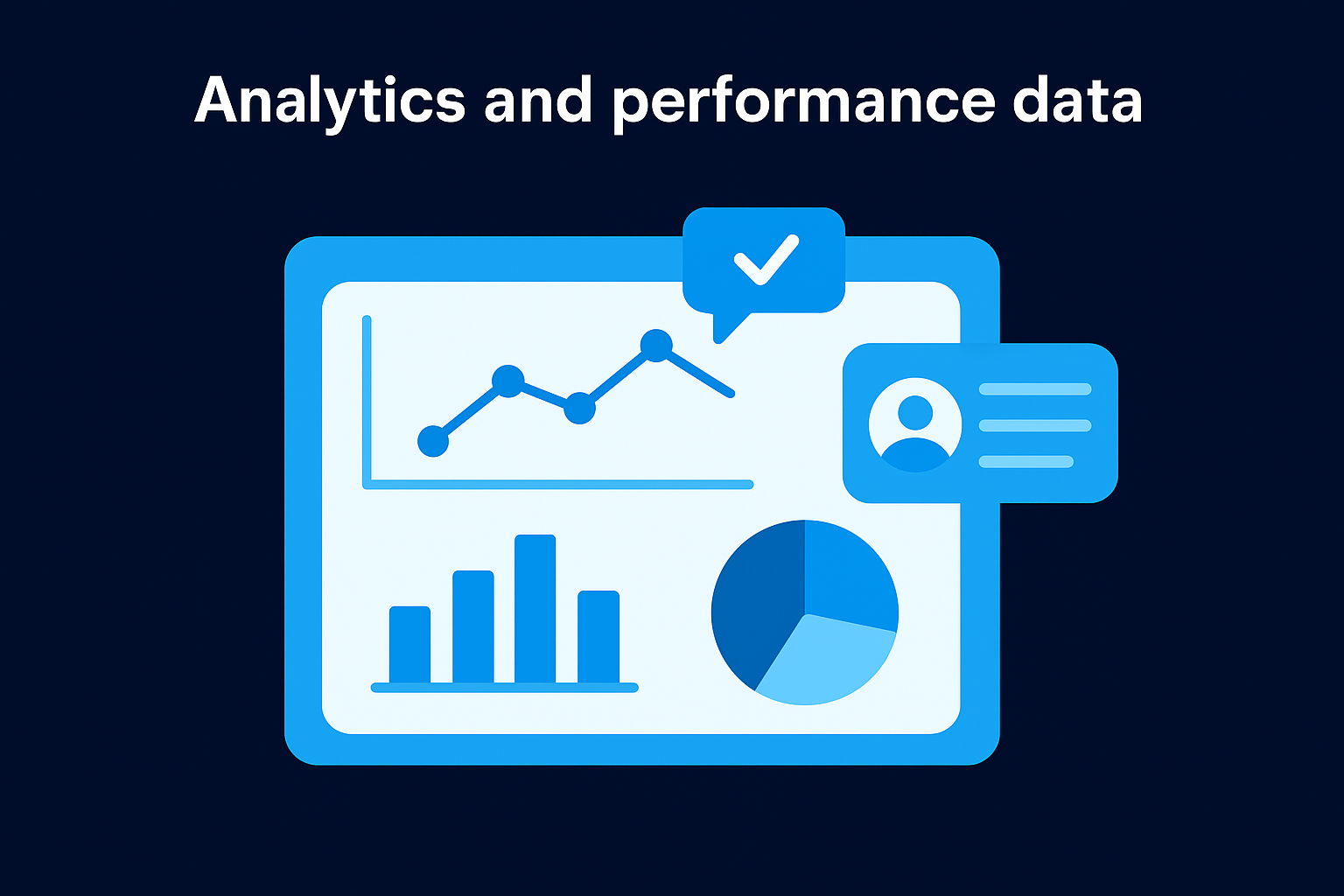
Tracking average watch percentage over time is one of the clearest signals you can use to measure whether your content is holding attention or losing it early.
Your analytics dashboard also shows follower growth trends and profile views over adjustable time ranges, which helps you connect content decisions to account-level outcomes.
Content management and editing tools
Beyond analytics, TikTok Studio gives you tools to upload, schedule, and manage your entire video library from a single interface. The built-in editor handles basic trimming, auto-captions, sound syncing, and branded visuals. You can review your full post history in one place and identify the formats and structures your audience consistently engages with.
Using the scheduling feature is straightforward and practical. You select a publish date and time, upload your video, and the platform handles the rest. For anyone trying to maintain a consistent posting cadence without logging in daily, this feature removes a real bottleneck from the process.
TikTok Studio vs TikTok app vs LIVE Studio
Three different tools carry the TikTok name, and mixing them up wastes time. The TikTok Studio app sits in the creator management layer of the ecosystem, while the other two serve completely separate purposes.
The standard TikTok app
The app on your phone is built for content consumption and quick posting, not strategic management. You can upload videos and check basic stats, but the interface pushes you toward watching content rather than analyzing it.
Your data access through the standard app is limited compared to what Studio exposes. If you run an account with any real growth goal, the standard app alone won't give you what you need to make better decisions.
Use the standard app to stay current on trends and formats, but run your actual strategy decisions through TikTok Studio.
TikTok LIVE Studio
LIVE Studio is a separate desktop application built exclusively for live streaming. It integrates with broadcasting tools and gives streamers control over multi-source setups, overlays, and real-time audience interaction. It shares nothing functionally with the TikTok Studio app beyond the brand name. If live streaming is not part of your content strategy, you have no reason to install it.
How to get TikTok Studio and sign in
Getting started with the TikTok Studio app takes under five minutes regardless of which device you use. You log in with your existing TikTok account credentials, so there's no separate registration process. Your account data, videos, and analytics carry over automatically the moment you sign in.
Downloading on mobile
On both iOS and Android, search "TikTok Studio" directly in the App Store or Google Play Store. The app is free to download and available in most regions. Once installed, tap "Log in with TikTok" and authorize the connection. Your full account history and analytics load immediately after you authenticate.
If your account doesn't show data right away, give it a few minutes. Large accounts sometimes take slightly longer to sync on first login.
Accessing the desktop version
You don't need to install anything to use the desktop version. Open any browser and go to studio.tiktok.com, then sign in with your TikTok account. The browser-based platform gives you the same analytics, scheduling, and editing tools available on mobile, but with a larger interface that makes reviewing data and managing your content library significantly easier.
How creators use TikTok Studio to grow
The TikTok Studio app gives you a direct line to data that separates guesswork from results. Most creators who grow their accounts use it to build a feedback loop between performance data and their next content decisions, rather than posting and hoping something connects.
Reading patterns in your analytics
Your analytics show which videos held attention and which lost viewers early. By tracking average watch percentage and traffic sources across multiple posts, you can identify repeatable patterns in what works. If hook-driven formats consistently outperform longer intros, that signals a structural change worth making across future videos.
Comparing your top five and bottom five performing videos side by side often reveals fixable differences in structure and pacing.
Key metrics to review each week:
- Average watch percentage per video
- Traffic source breakdown
- Audience activity by time of day
Using scheduling to stay consistent
Consistent posting is one of the clearest signals the algorithm responds to. Batch your uploads for the week in a single session and let the platform handle distribution timing automatically. This keeps your account active without daily logins and frees your attention for producing better content instead of managing a posting calendar.

For high-volume accounts, batching also creates space to review performance data before the next round of posts, which makes each content cycle more deliberate than the last.
Troubleshooting and common questions
Most issues with the TikTok Studio app come down to account permissions or sync delays rather than technical failures. Before assuming something is broken, run through the quick checks below.
App won't load or sync data
If your analytics or video library aren't loading, the most common fix is signing out and back in. On mobile, also check that the app has the necessary permissions enabled in your device settings, particularly for storage and network access. On desktop, clearing your browser cache usually resolves display issues.
If data still won't populate after signing back in, wait 24 hours. New or recently reactivated accounts sometimes take a full day to surface historical data.
Missing features or limited access
Some features inside TikTok Studio are only available to accounts that meet specific eligibility thresholds, such as follower count or regional availability. If you don't see a scheduling or monetization tab that others reference, your account may not yet qualify. Check the TikTok Creator Academy at TikTok's official support pages for updated eligibility requirements. Switching to a Creator or Business account also unlocks access to features that are unavailable on standard personal profiles.
Final takeaways
The TikTok Studio app is a practical tool that gives you real control over your content operation. It surfaces performance data the standard app hides, lets you schedule posts in advance, and gives you an editing environment built around production rather than consumption. If you run a TikTok account with any serious growth goal, there is no good reason to avoid it.
That said, the tool only works as well as the strategy behind it. Knowing which metrics to track and how to act on what you find is what separates accounts that grow from accounts that just post. The data TikTok Studio provides is only useful if you build a system around it.
If you want a content system that turns that data into consistent results, apply to work with SocialRevver and get a full 40+ slide social media strategy built around your account and goals.