The right CapCut templates for TikTok can shave hours off your editing time and give your videos the kind of polish that actually stops the scroll. Templates work because they bake in proven pacing, transitions, and visual rhythm, the same elements our team at SocialRevver reverse-engineers from over 750,000 high-performing short-form videos when building content systems for clients.
But you don't always need a full production pipeline. Sometimes you just need a solid template to get a video out the door. That's why we put together this list of five trending CapCut templates that are driving real results on TikTok right now. Each one is easy to customize, designed for maximum watch time, and tested by creators who are already seeing boosted views.
Let's get into the picks.
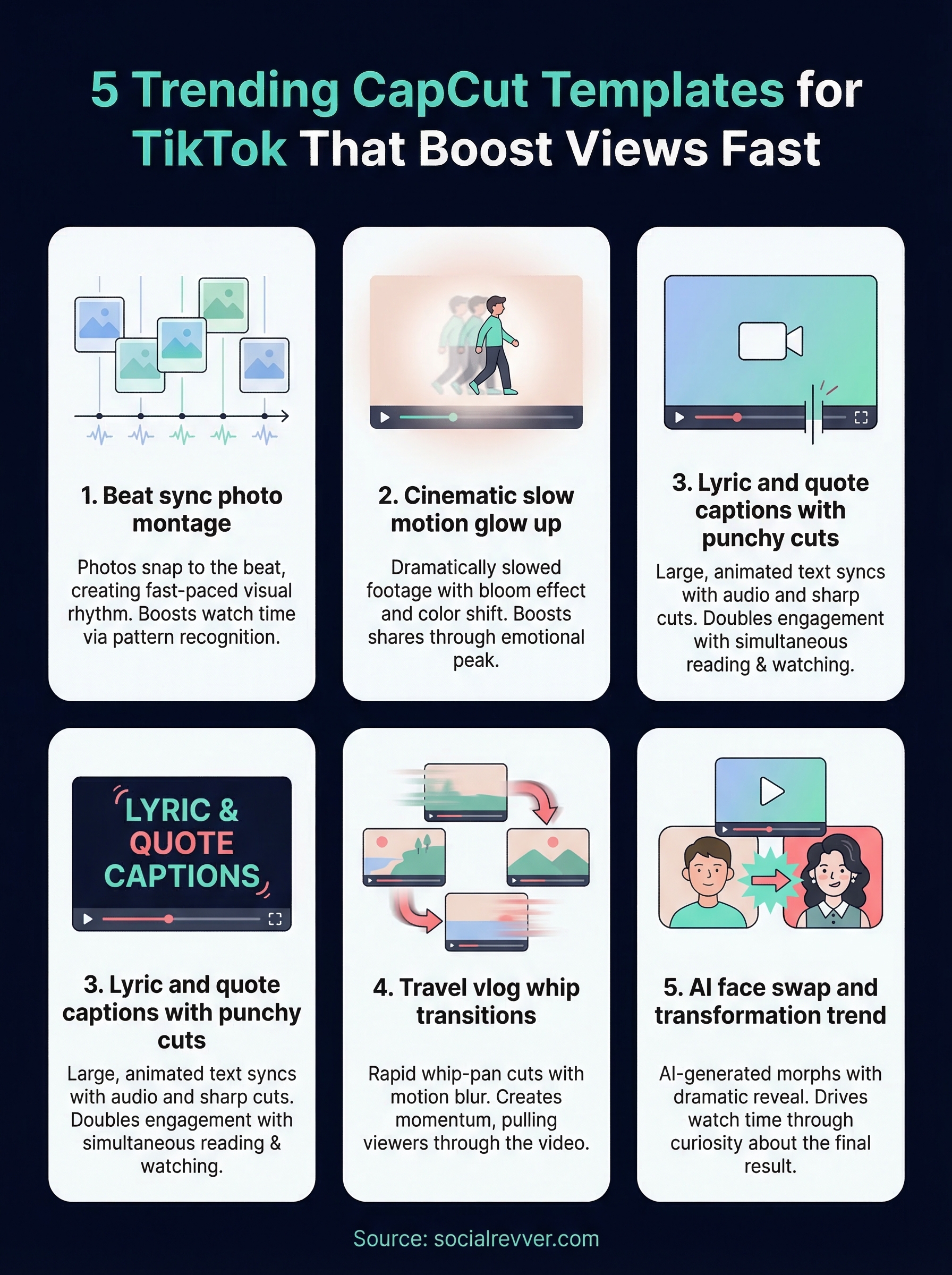
1. Beat sync photo montage
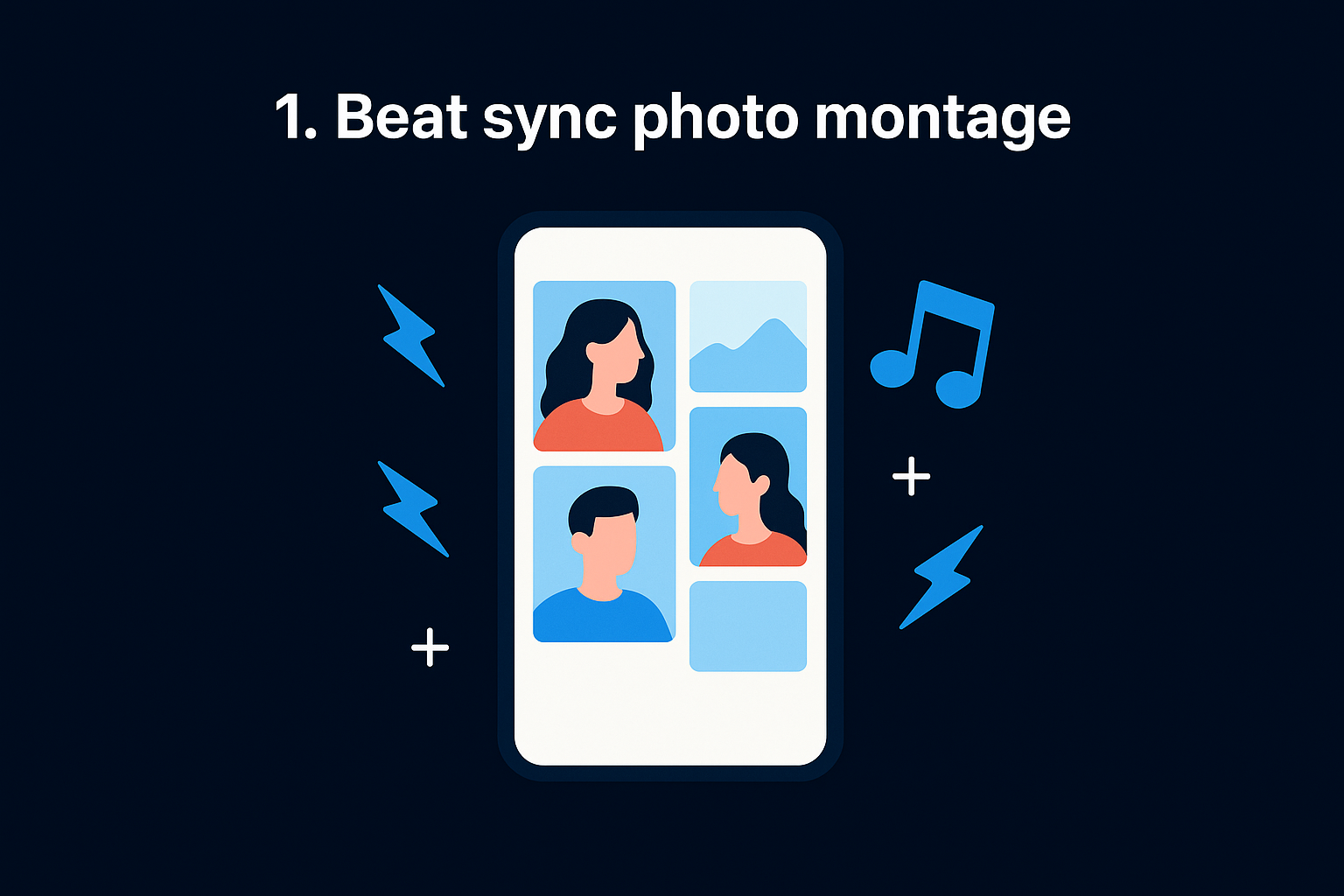
The beat sync photo montage is one of the most recognized CapCut templates for TikTok right now. Photos snap to the beat of a trending audio track, creating a fast-paced visual rhythm that feels both professional and personal.
What the template looks like on TikTok
You've likely seen this one: a series of still photos flashes in rapid sequence, each cut timed precisely to a music drop or snare hit. The template typically runs 15 to 30 seconds and uses color overlays, zoom effects, and flash transitions between images.
Why it boosts watch time and shares
Beat-synced edits trigger pattern recognition in the brain, which keeps viewers locked in until the final frame. When the visuals match the audio perfectly, replays increase naturally because the satisfying sync feels rewarding to watch again.
Music-driven edits consistently outperform static or random-cut videos in completion rate, which is the metric TikTok's algorithm weights most heavily.
How to customize it in CapCut
Open CapCut's template library, search for "beat sync," and select a template that matches the audio you want to use. Replace the placeholder photos with your own images, adjust the clip timing if the auto-sync misses any beats, and swap the color grade to match your brand palette.
Best niches and use cases
This template fits naturally into content where visual variety matters more than motion footage. It works especially well when you have a collection of strong static images that tell a story. Some top use cases include:
- Fitness and transformation before-and-after series
- Real estate property highlight reels
- E-commerce brands showcasing product collections
Common mistakes to avoid
The biggest error creators make is using low-resolution images that look blurry once CapCut applies zoom effects. Avoid overloading the template with more than 10 to 15 photos because beyond that point, viewers drop off before the end and your completion rate takes a hit.
2. Cinematic slow motion glow up
The cinematic slow motion glow up template turns ordinary footage into something that feels intentional and high-budget. It's one of the most versatile CapCut templates for TikTok in the library right now, and creators across nearly every niche are using it to rack up views.
What the template looks like on TikTok
This template pairs dramatically slowed footage with a light bloom or glow effect that pulses across the frame. You'll typically see color grading shifts mid-clip, moving from a muted or desaturated tone into a warm, cinematic finish that signals transformation.
Why it boosts watch time and shares
Slow motion forces viewers to pay attention because the brain naturally slows down to process unusual visual pacing. When paired with a glow transition, it creates an emotional peak moment that makes people want to share the video.
Transformation content consistently generates higher share rates than purely informational videos because it triggers an emotional response.
How to customize it in CapCut
Swap in your own footage, then adjust the glow intensity and color grade under the Effects panel to match your brand tone. Keep your source clips at 1080p or higher to avoid quality loss once the slow motion effect renders.
Best niches and use cases
This template performs best when you have footage showing a visible change or reveal. Strong fits include fitness transformations, product unboxings, and beauty or styling content.
Common mistakes to avoid
Avoid using shaky or poorly lit footage because slow motion amplifies every flaw in the original clip. Overusing the glow effect also dulls its impact, so apply it only at your video's key moment.
3. Lyric and quote captions with punchy cuts
The lyric and quote captions template is one of the fastest-growing CapCut templates for TikTok because it layers bold text directly onto video with sharp, rhythm-driven cuts that make every word land harder.
What the template looks like on TikTok
You've seen this style everywhere: large, animated caption text fills the screen in sync with audio, while the footage cuts on each phrase or beat. The text often uses high-contrast colors and dynamic typography that bounces or fades in time with the track.
Why it boosts watch time and shares
Viewers read and watch simultaneously, which doubles the cognitive engagement and keeps them on the video longer. Text-forward content also performs well on muted autoplay, capturing attention before sound even turns on.
Captions that sync with audio timing consistently increase completion rates because they guide the viewer's attention through the entire clip.
How to customize it in CapCut
Replace the placeholder text with your own quote or lyric, then adjust font size, color, and animation style under the Text panel to match your brand.
Best niches and use cases
This template works well for motivational content, brand storytelling, and music promotion.
Common mistakes to avoid
Avoid overcrowding the frame with too many words per cut, as it overwhelms viewers and kills readability.
4. Travel vlog whip transitions
The travel vlog whip transition is one of the most energetic CapCut templates for TikTok, built for creators who want footage that feels fast, kinetic, and cinematic without complex manual editing.

What the template looks like on TikTok
This template uses rapid whip-pan cuts where the frame swings hard left or right before snapping into the next clip. Motion blur fills each transition point, creating a seamless flow between scenes that feels intentional and high-energy.
Why it boosts watch time and shares
Whip transitions create momentum and forward motion that pull viewers through the video without giving them a natural stopping point. The kinetic pacing keeps attention locked all the way to the final frame.
Fast-paced transitions consistently outperform static cuts in watch-through rates because they signal to the viewer that more is coming.
How to customize it in CapCut
Match your clip exit angle to the direction of the whip so each cut feels natural. Then adjust the motion blur intensity under the Transition panel to suit your footage's energy level.
Best niches and use cases
This template performs best when movement is already built into your footage. Strong fits include:
- Travel and adventure destination reels
- Event and festival recap videos
- Sports action montages
Common mistakes to avoid
Avoid inserting static or still clips into the sequence because they kill the momentum immediately. Keep every clip short and action-forward so each transition feels earned.
5. AI face swap and transformation trend
The AI face swap and transformation template is one of the most talked-about CapCut templates for TikTok right now, turning simple selfie footage into content that stops viewers mid-scroll.
What the template looks like on TikTok
This template uses AI-generated face swap effects to morph your appearance into a different look, era, or character. The transition includes a dramatic reveal moment where the transformation snaps into place, often accompanied by a flash effect.
Why it boosts watch time and shares
Curiosity drives this format. Viewers stay until the transformation completes because they want to see the final result, and that wait pushes your completion rate up significantly.
Surprise-based content consistently generates higher share rates because viewers feel compelled to show others the reaction moment.
How to customize it in CapCut
Select a transformation template from the CapCut AI effects library, record or upload your clip, and let the AI render the swap. Adjust the transition timing to build anticipation before the reveal lands.
Best niches and use cases
This format performs best when visual contrast drives the story and your audience expects a transformation reveal. Strong fits include:
- Comedy and entertainment reaction reveals
- Beauty and styling before-and-after looks
- Personal branding identity or era comparisons
Common mistakes to avoid
Avoid using poor lighting in your source clip because the AI renders poorly and the transformation looks unfinished. Keep the reveal moment short to maintain tension.
Your next TikTok edit
These five CapCut templates for TikTok give you a real shortcut to better-looking videos without spending hours in the editor. Each one is built around a proven format that drives watch time, shares, and algorithm reach when you execute it correctly.
Picking the right template is only part of the equation. The creators consistently pulling the most views pair strong templates with a data-backed content strategy that tells them exactly what hooks, structures, and formats perform best in their specific niche. Without that layer, even the best template produces inconsistent results.
Building a content system that generates predictable, compounding growth takes more than a good edit. Our team at SocialRevver engineers the full pipeline, from strategy to scripting to production to distribution, so every video works harder for your brand. Apply to work with our team and get a free 40-slide social media strategy built specifically for your niche.